Building SaaS with No-Code: Bubble Usage Guide

Solopreneur
Solopreneur
What is No-Code SaaS Development
Using no-code tools, you can create web applications without programming knowledge. In particular, Bubble supports complex logic and databases, making it suitable for SaaS product development.
Note: This post is based on Bubble's official documentation and cases from the Indie Hackers community.
Bubble Basic Concepts
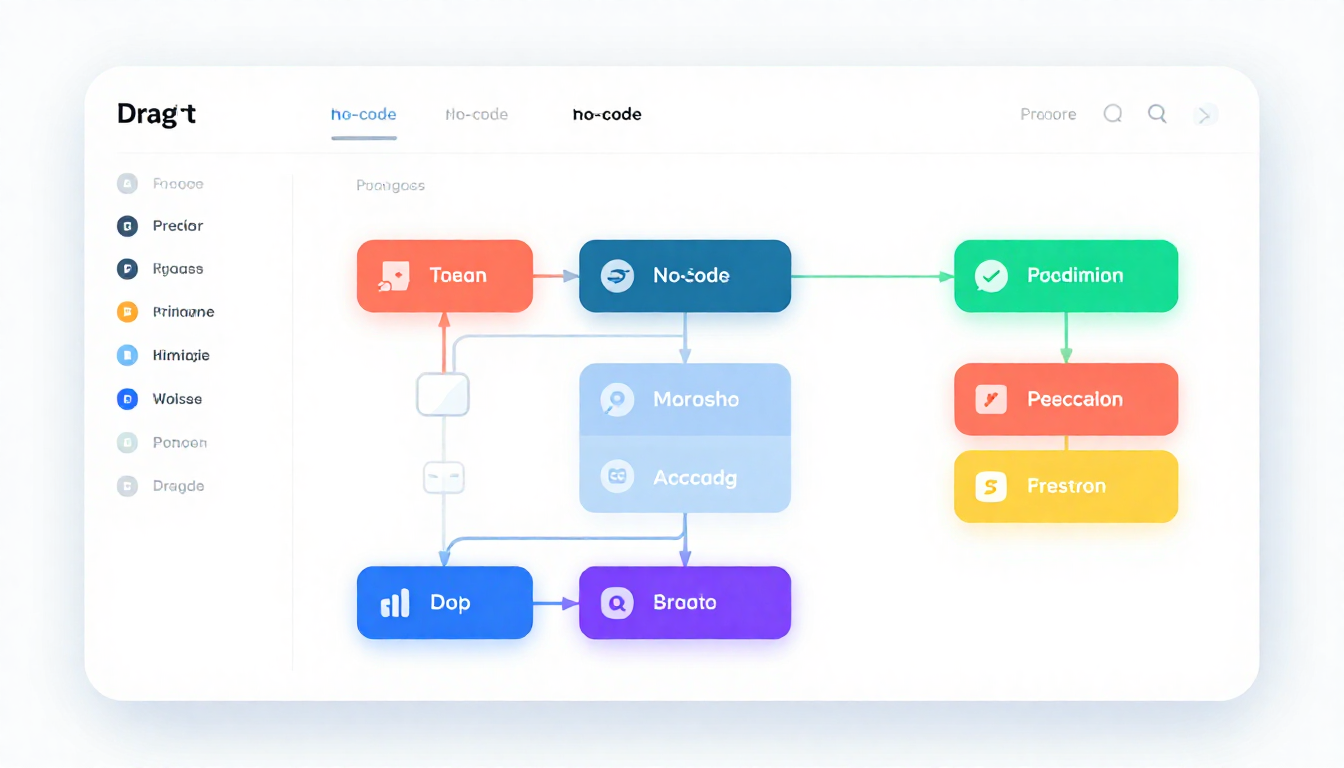
Bubble is a visual programming platform where you construct UI with drag-and-drop and define logic with workflows.
Core features:
- UI design with visual editor
- Built-in database
- Workflow-based logic
- API integration support
- Stripe payment integration
Step-by-Step Development Guide
Step 1: Planning
Define the core features of the SaaS you want to build.
- What problem does it solve?
- What are the core features? (Limit to 1-2)
- Who are the target users?
Step 2: Learn Bubble
Completing Bubble's official tutorials takes about 10-20 hours.
Recommended Learning Resources:
- Bubble Official Tutorials (bubble.io/academy)
- YouTube search "Bubble.io tutorials"
- Bubble Forum (forum.bubble.io)
Step 3: Develop MVP
First create a minimum viable product (MVP).
- Focus on 1 core feature
- Prioritize working features over perfect design
- Goal: Complete within 2-4 weeks
Step 4: Integrate Payments
Add payment functionality using Stripe plugin.
Bubble → Plugins → Search Stripe → Install
Get API key from Stripe Dashboard
Enter API key in Bubble
Cost Structure
| Item | Monthly Cost |
|---|---|
| Bubble Starter | $29 |
| Bubble Growth | $119 |
| Stripe Fee | 2.9% + 30¢ |
Cautionary Notes
- Bubble's performance may decrease with complexity
- Cannot export code (platform dependency)
- Limitations for complex calculations or real-time features