Managing Work with Notion

Solopreneur
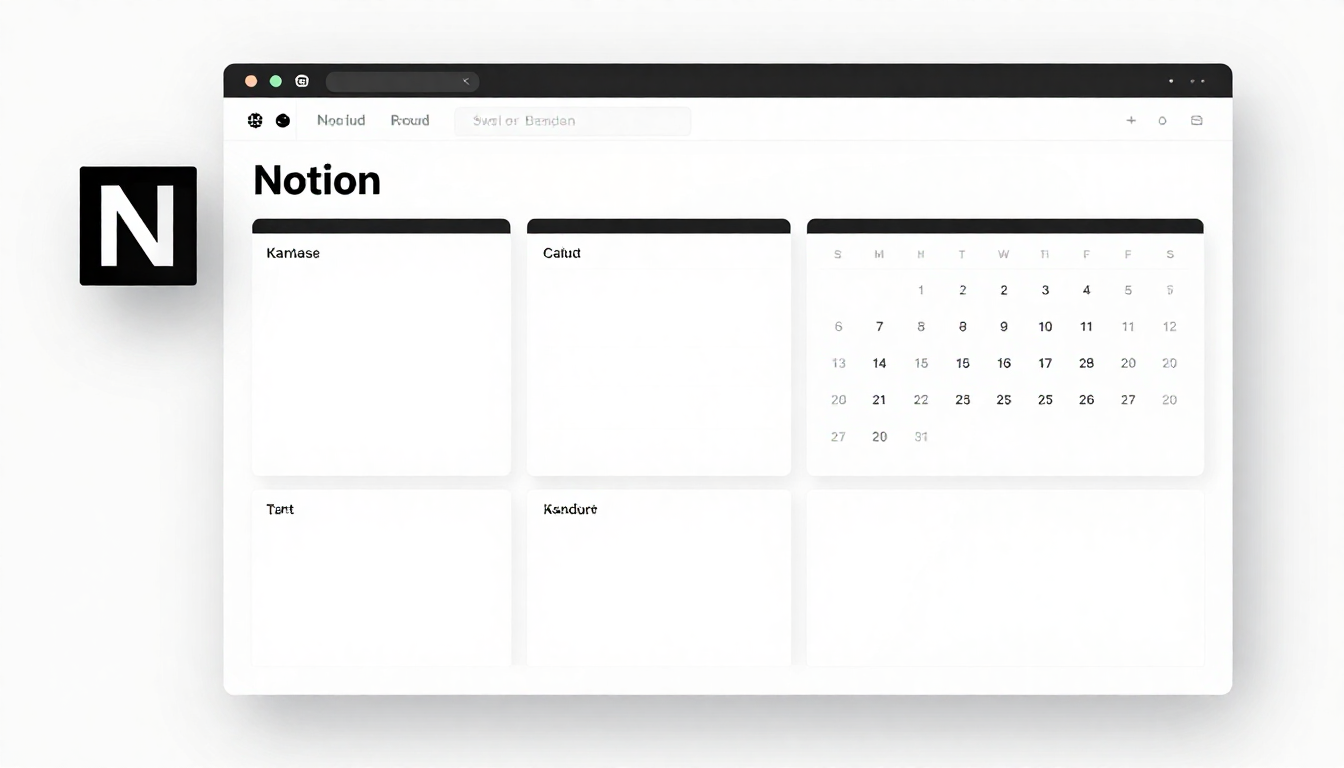
Solopreneur
Notion Introduction
Notion is a productivity app that integrates notes, databases, and project management into one tool.
Price: Free for individual use, $10/month for teams
Site: notion.so
Basic Structure Example
General Notion structure for solopreneurs.
Home (Dashboard)
├── Projects (project list)
├── Tasks (to-do management)
├── Clients (CRM)
├── Content Calendar (content calendar)
├── Finance (revenue tracking)
└── Resources (resource collection)
Key Application Areas
Project Management
- List of ongoing projects
- Filter by status (in progress, completed, on hold)
- Deadlines and priorities
Simple CRM
| Property | Description |
|---|---|
| Name | Customer/company name |
| Status | Lead/Active/Completed |
| Contact | Email/phone |
| Notes | Meeting notes |
Content Calendar
Use for blog, SNS content planning.
- Check schedule with calendar view
- Filter by status (idea/drafting/published)
- Categorize by channel
Revenue Tracking
Simple income/expense recording.
- Date, amount, category
- Monthly summary roll-up
- Visualize with charts
Notion Usage Tips
- Start simple - Don't make it complex from the start
- Use templates - Refer to official gallery
- Regular cleanup - Weekly review and organization
- Mobile widget - For quick entry
Recommended Templates
Useful templates available in Notion gallery:
- Second Brain - Personal knowledge management
- Weekly Agenda - Weekly planning
- Content Calendar - Content management
- Simple CRM - Customer management
Limitations
- Limited offline support
- Large databases may become slow
- Limited integration with external tools